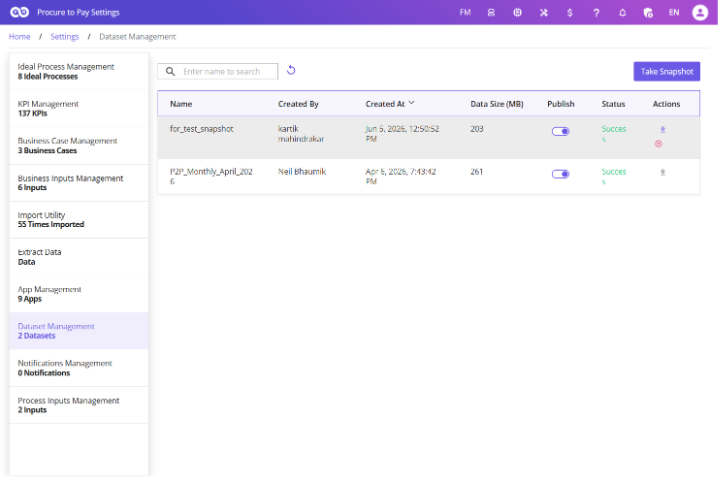
Dataset Management
Create snapshots of process event logs at different points in time to track changes, benchmark improvements, and support audit and governance activities.
These snapshots help organizations:
- Track process changes
- Monitor performance trends
- Benchmark improvements
- Compare historical datasets
- Support audit and governance activities
Dataset snapshots act as historical versions of the process data.
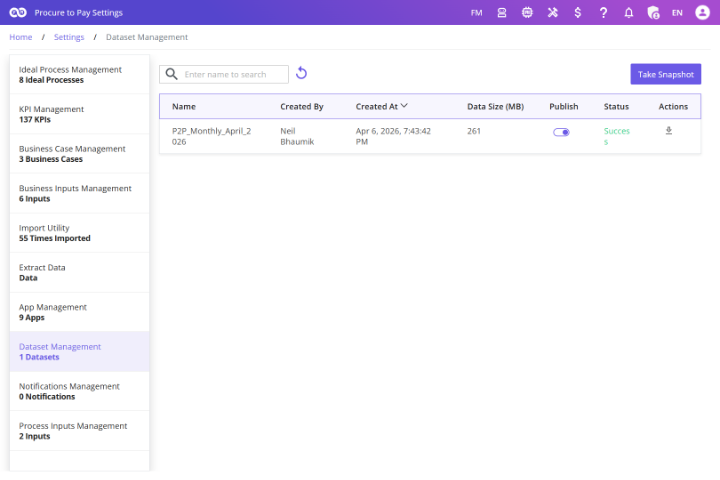
Navigating to Dataset Management
To access Dataset Management:
- Open Process Settings.
- Click Dataset Management.
Creating a Snapshot
To create a dataset snapshot:
- Click Take Snapshot.
- Enter a snapshot name.
- Click Save. FUTUROOT creates a copy of the current event log.
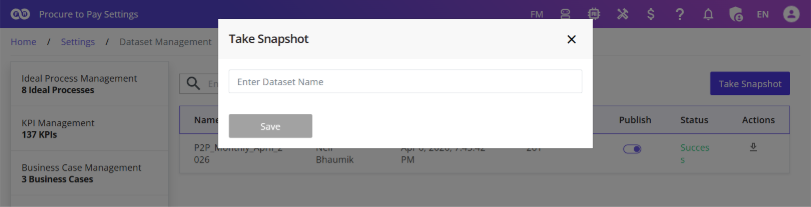
FUTUROOT creates a copy of the current event log.
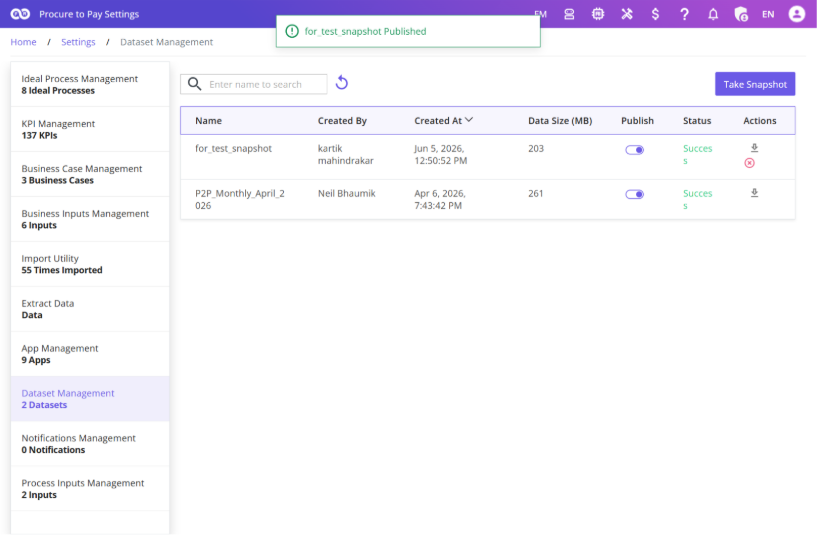
Publishing a Snapshot
To use a snapshot in comparison analysis: Locate the snapshot and enable the Publish toggle. Published snapshots become available throughout the platform for Comparison and FR Analytics.
Using Snapshots in Comparison
Compare current process performance against historical performance. Select published snapshots within the Comparison module to identify process improvements or regressions.
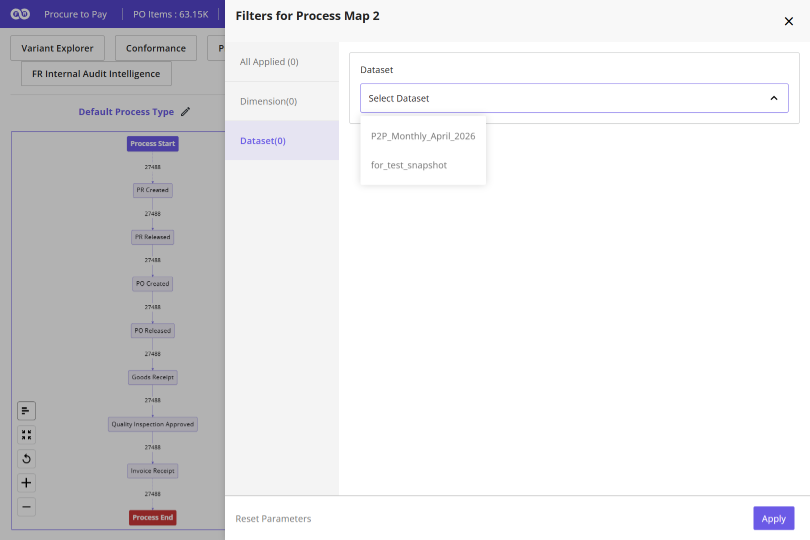
Process Benchmarking in FR Analytics
Use snapshots as benchmark datasets within FR Analytics. Add one snapshot dashboard, compare current vs historical performance, view KPI trends. Global filters automatically apply across both dashboards.
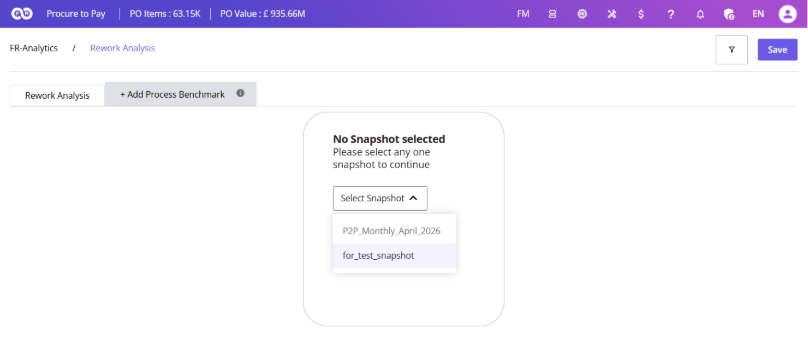
Downloading Snapshots
Click Download next to the snapshot. FUTUROOT sends a zipped Excel file to the registered email address.